Writing the email
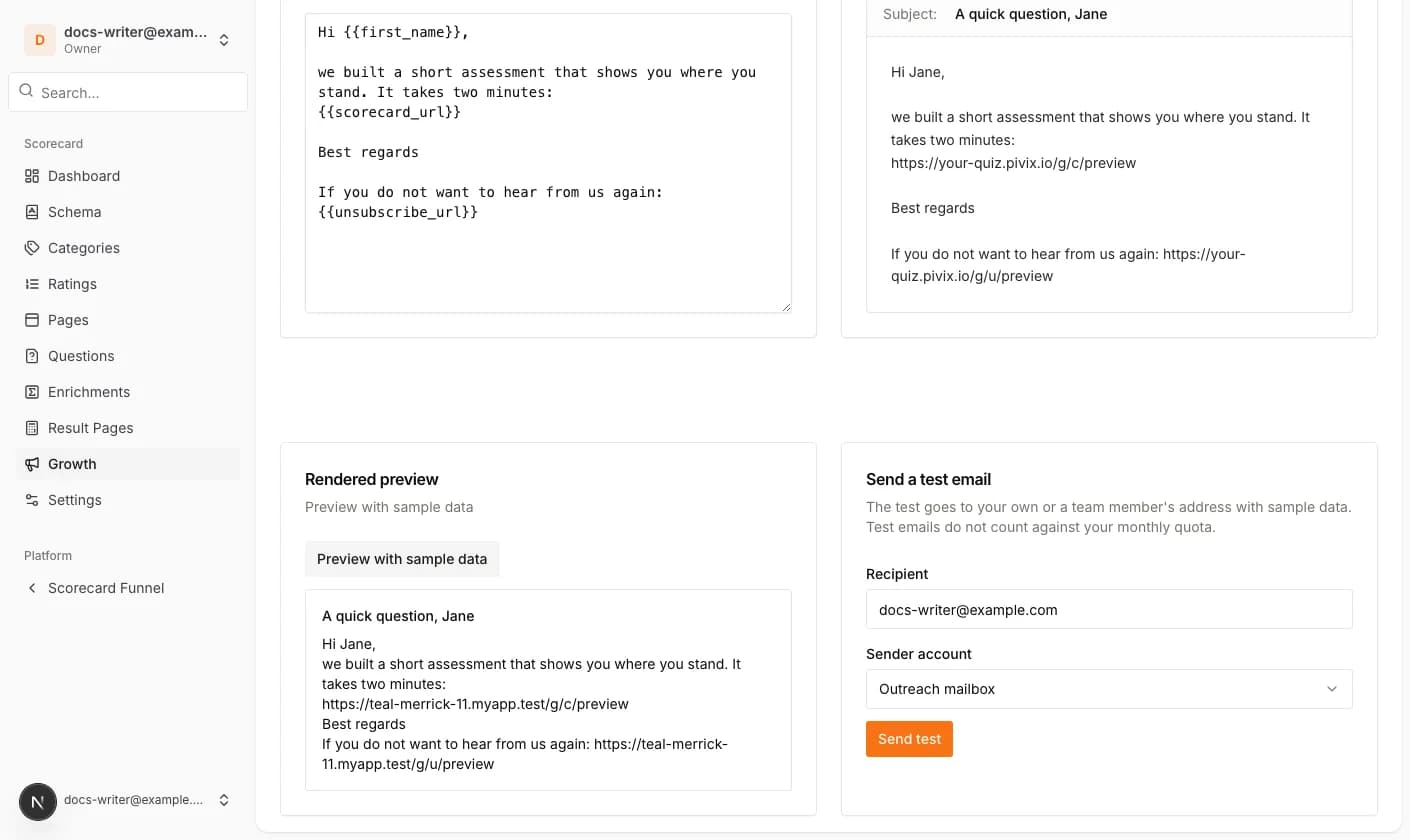
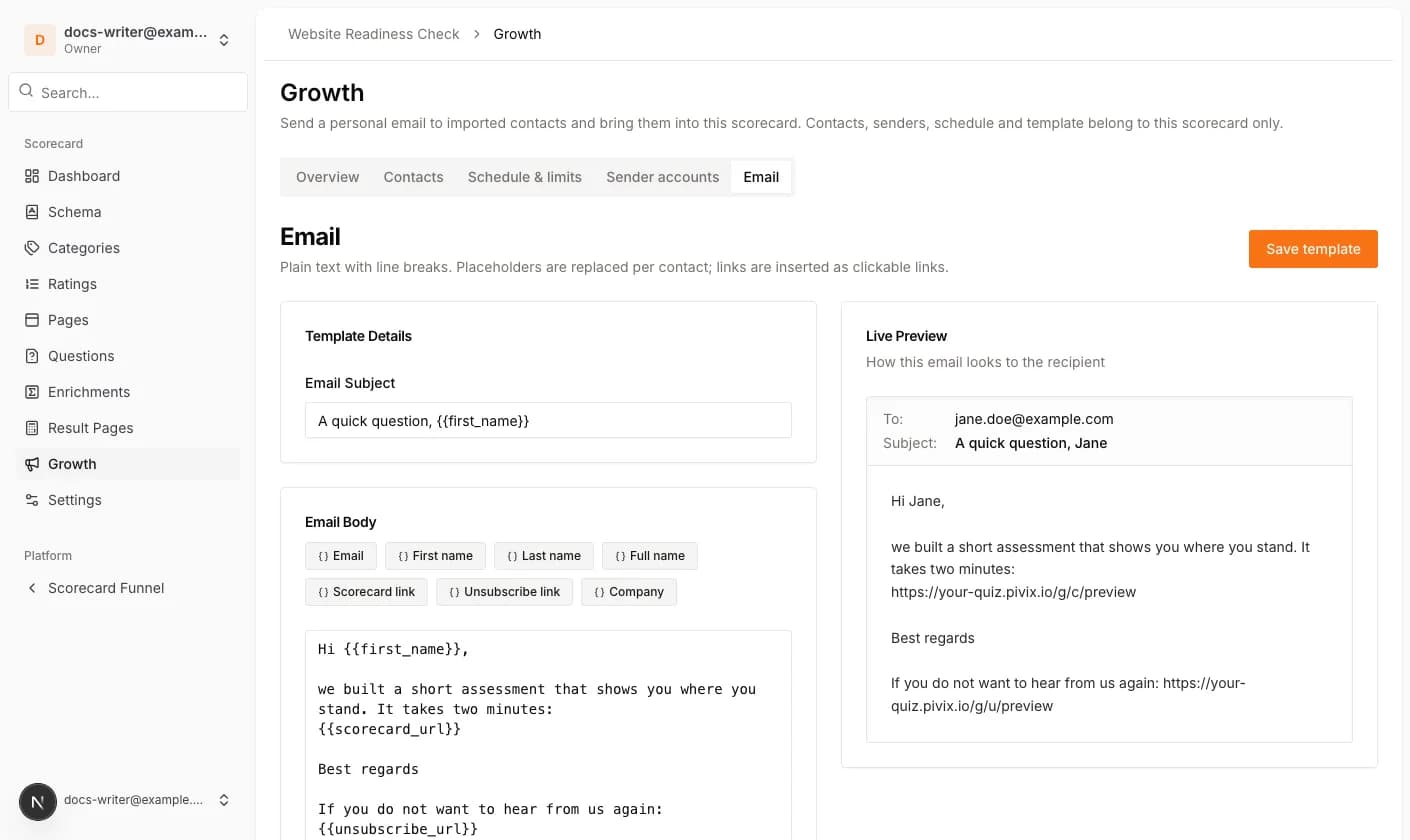
The Email tab holds the subject and the message. The message is plain text; line breaks become paragraphs. Click a placeholder button to insert it at the cursor. Available placeholders are the email, first name, last name and full name of the contact, the scorecard link, the unsubscribe link and your custom fields.
The scorecard link is unique per contact, so Pivix can tell who clicked. We strongly recommend the unsubscribe link: it lets a contact opt out with one click, and that address will not be imported again.
Preview and test email
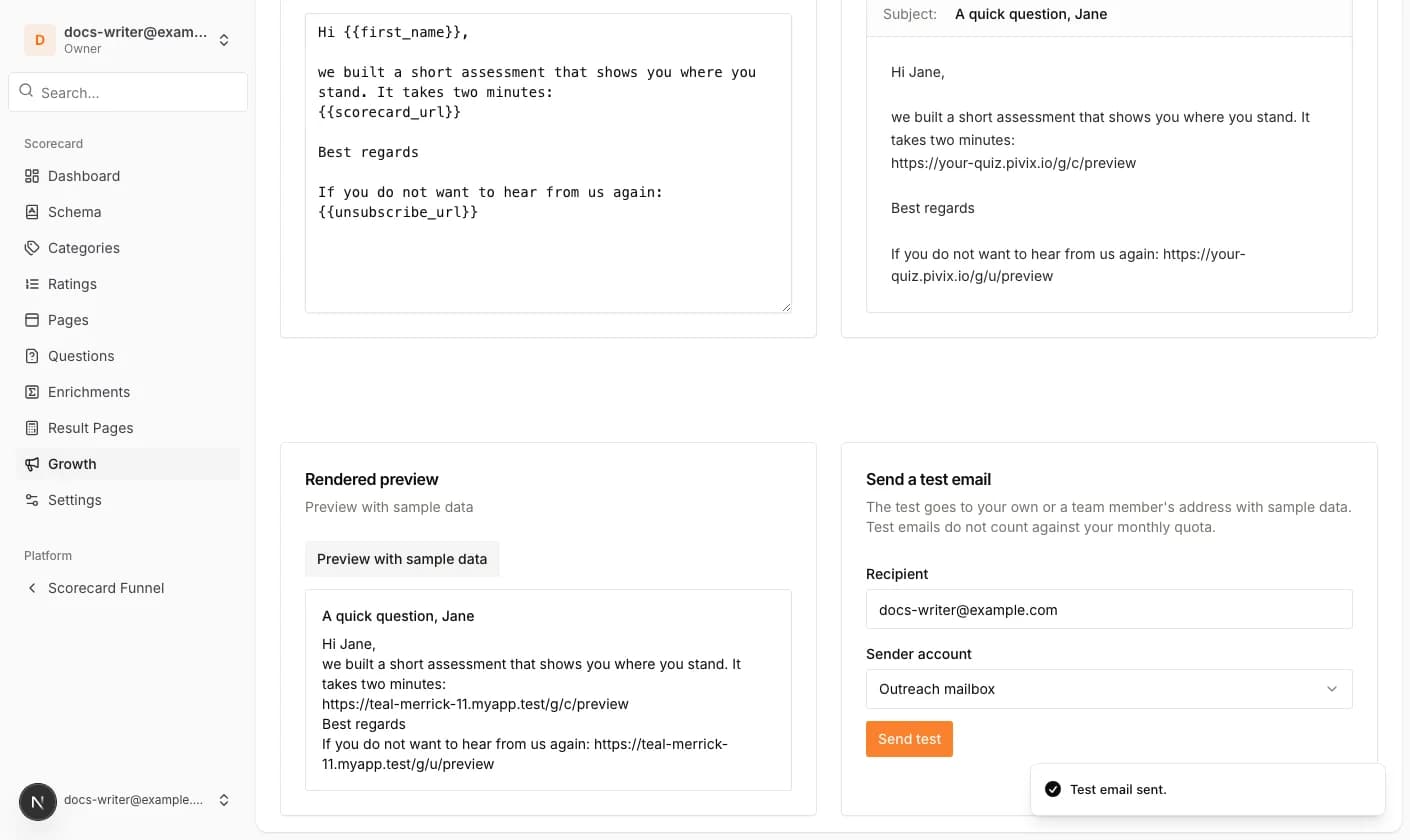
Preview with sample data renders the email exactly as it will be sent, with sample values. Send a test email sends it with sample data to your own address or the address of a team member through one of the sender accounts. Test emails do not count against the monthly quota.