What is a growth campaign
A growth campaign sends one personal email to every imported contact and brings them into a published scorecard. Each campaign belongs to one scorecard and has its own contacts, sender mailboxes, schedule and email template. The sender mailboxes are independent of the sending address used by automations.
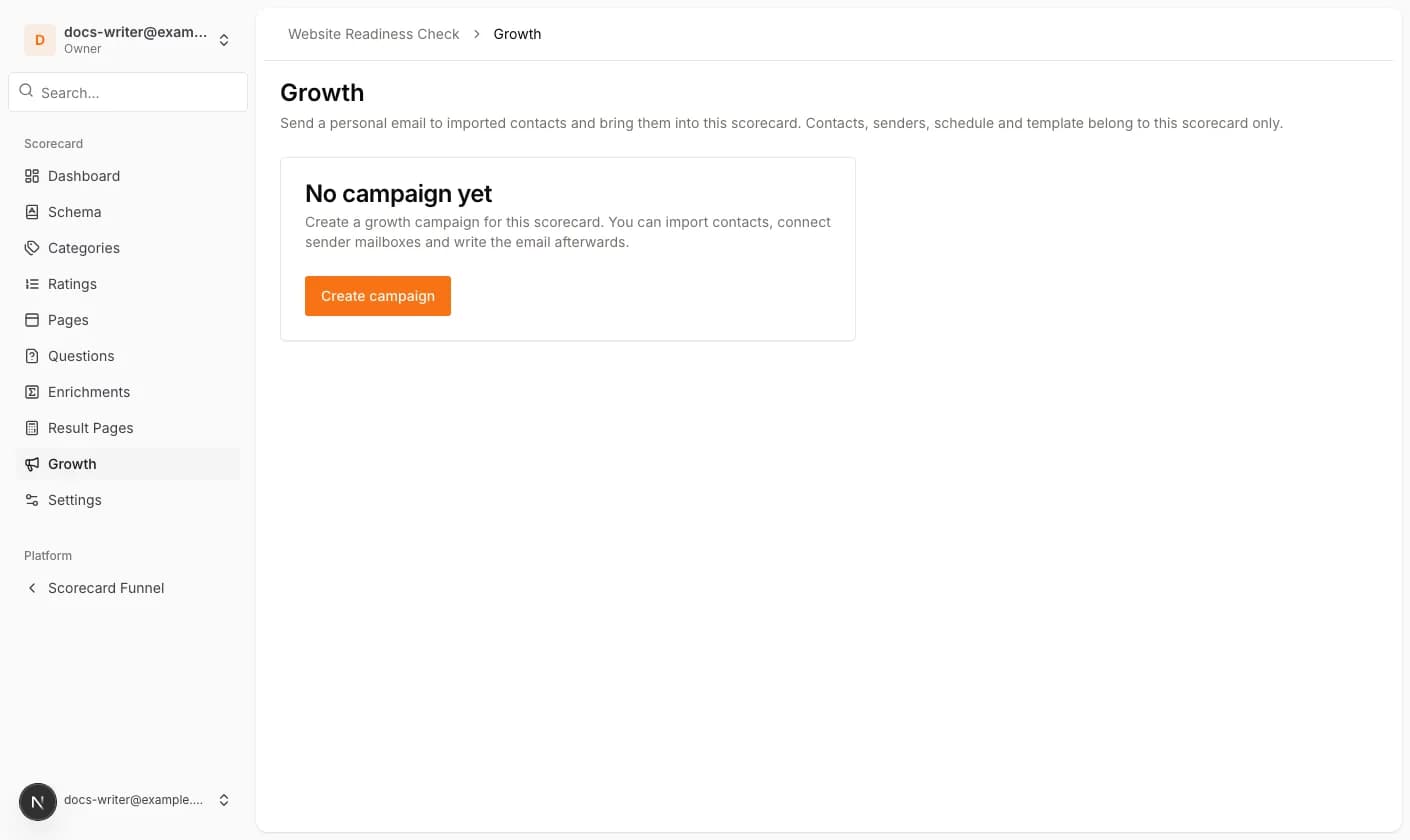
The Growth entry appears in the scorecard menu as soon as the scorecard is published. Open it and click Create campaign. The campaign starts as a draft.
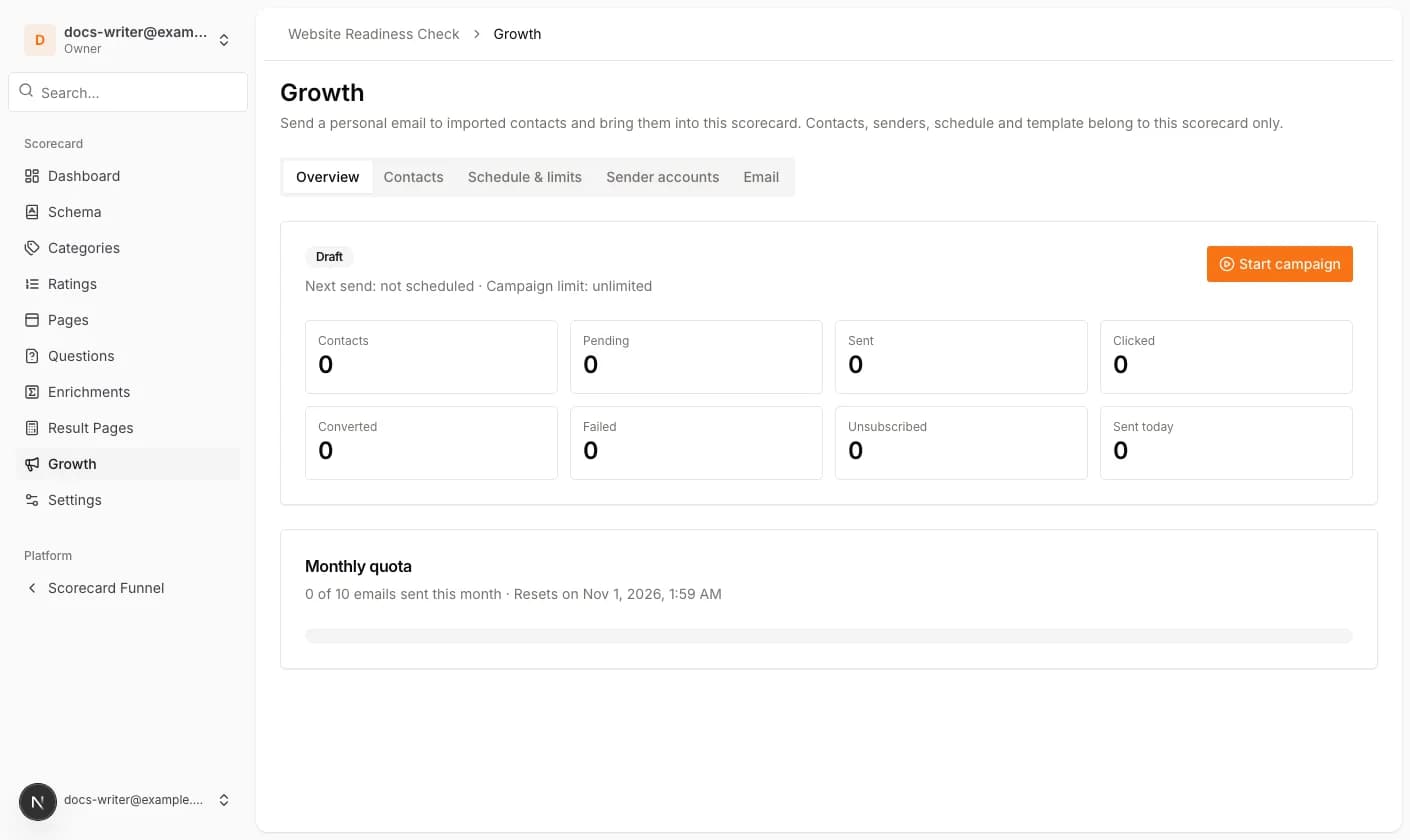
Overview, status and quota
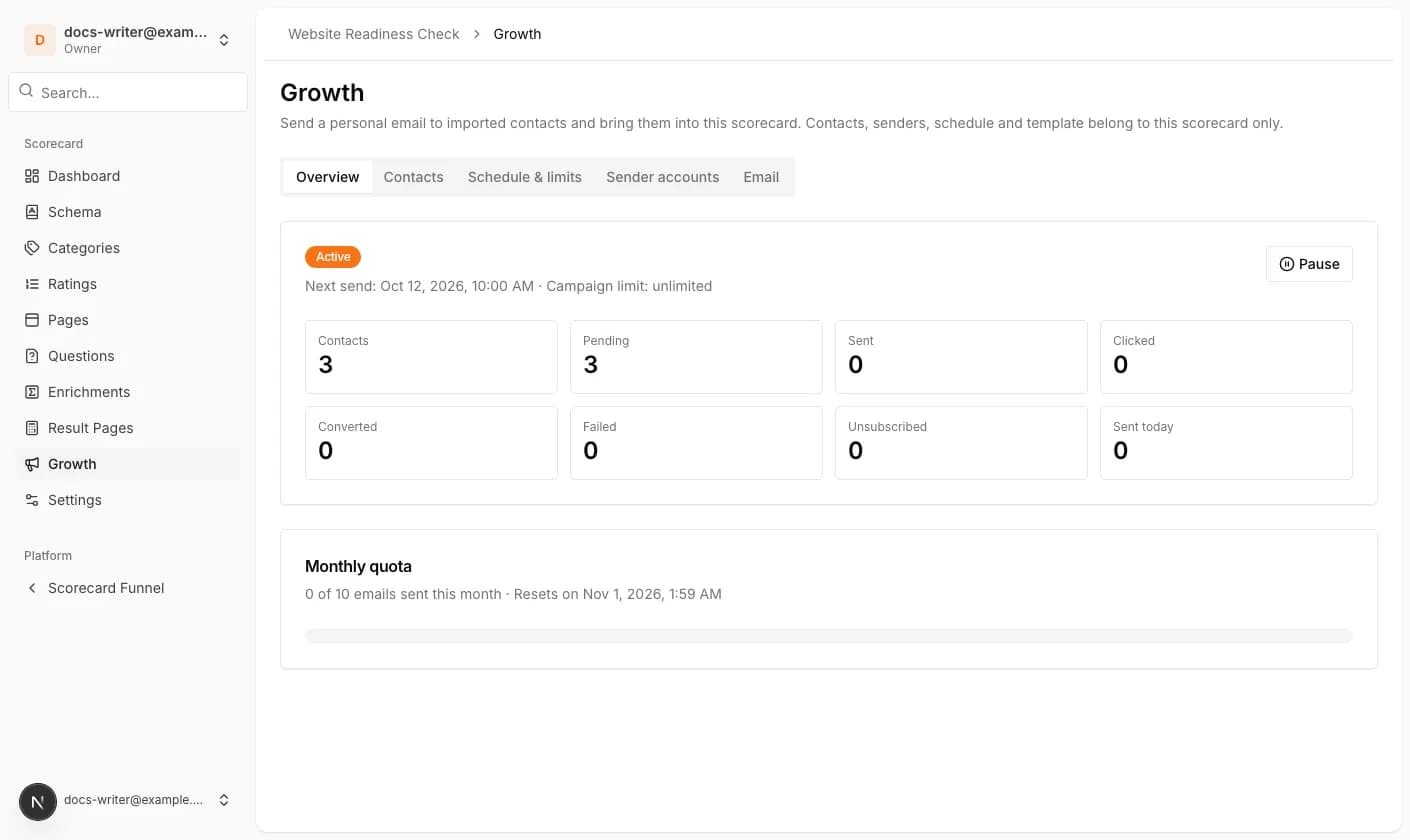
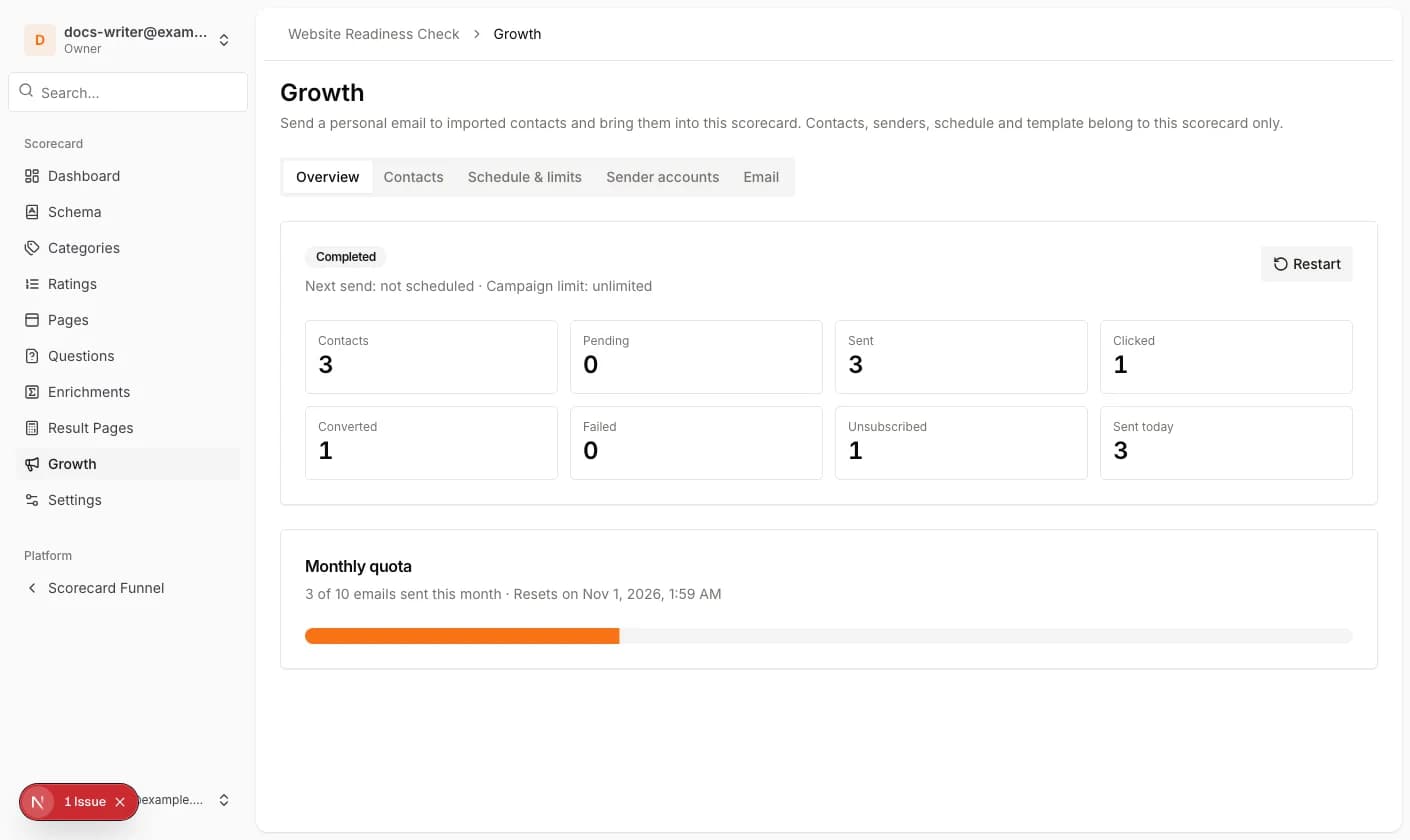
The Overview tab shows the campaign status and counts contacts by what happened to them: Pending, Sent, Clicked, Converted, Failed and Unsubscribed. Sent counts the emails that were delivered; a contact who clicked or converted still counts as sent. Next send shows when the next email is planned.
The monthly quota belongs to your subscription plan and counts all growth campaigns of the account for the current calendar month. When the quota is used up, sending pauses automatically and continues in the next month. Test emails do not count.
- 1Import contacts, connect at least one sender account and check the schedule and the email template.
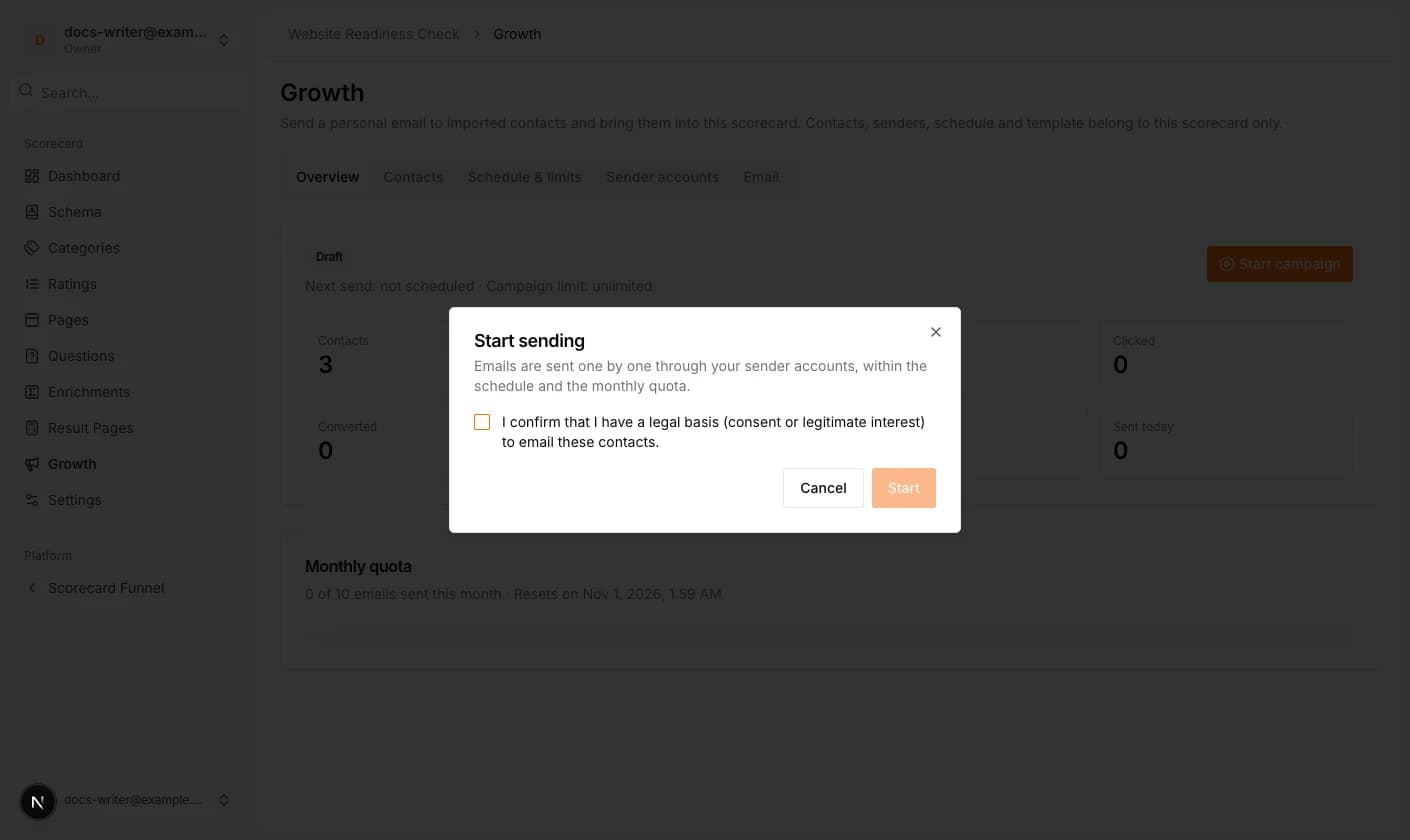
- 2Click Start campaign. Confirm that you have a legal basis to email the contacts and click Start.
- 3Use Pause to stop sending; Resume continues where it stopped.
- 4Restart queues failed contacts again. Contacts that already received the email are never sent twice.