
What the MCP server does
The Model Context Protocol (MCP) is the standard way AI agents such as Claude, Cursor or ChatGPT connect to tools. With the Pivix MCP server an agent can read and build scorecards (schema, categories, ratings, pages, questions, result page and settings), read your leads, create automations and email templates and rename the account. Everything stays inside your account and runs with the permissions of the account owner.
The server is off by default. Only the account owner (and Pivix support) can switch it on and manage tokens.
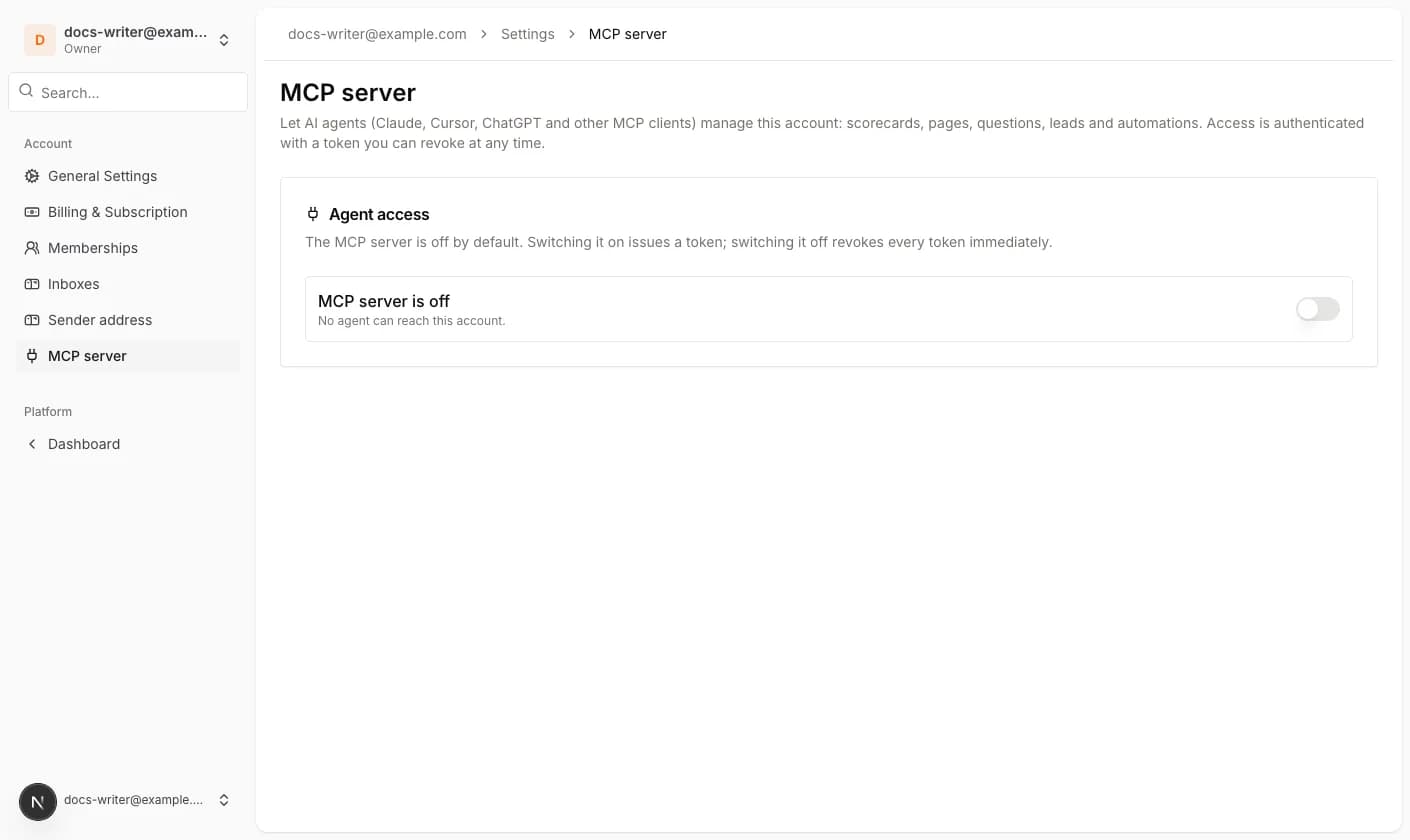
Switch it on and connect an agent
- 1Open Account settings and click MCP server in the account menu.
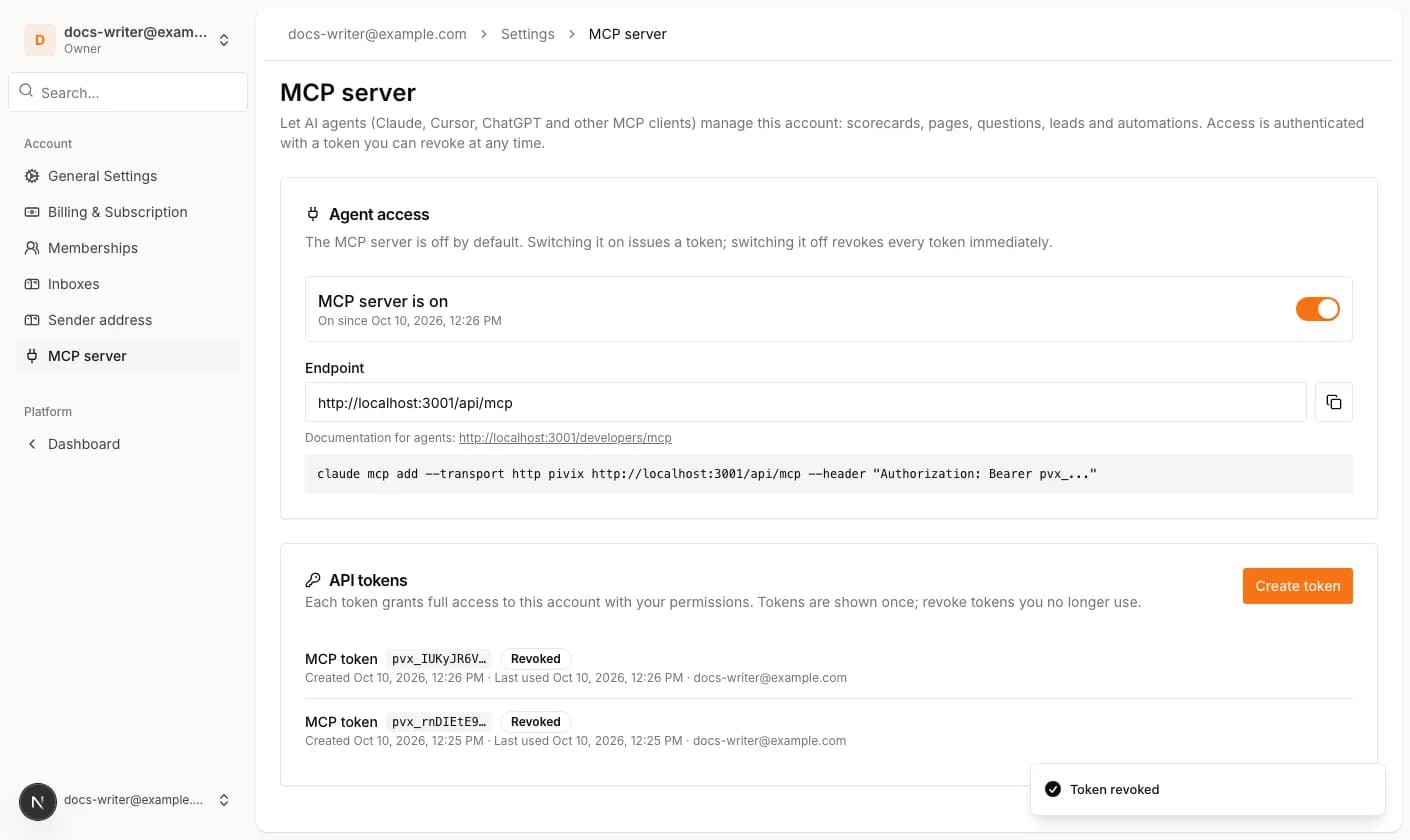
- 2Switch Agent access on. Pivix creates your first token and shows it once. Copy it and store it in your password manager; it cannot be shown again.
- 3Copy the Endpoint and add the server to your MCP client. For Claude Code the page shows the ready-made command; other clients need the endpoint URL and the header Authorization: Bearer <token>.
- 4Ask the agent to read the resource pivix://docs/overview first. The documentation for agents is linked on the page and lists all components, question types and examples.
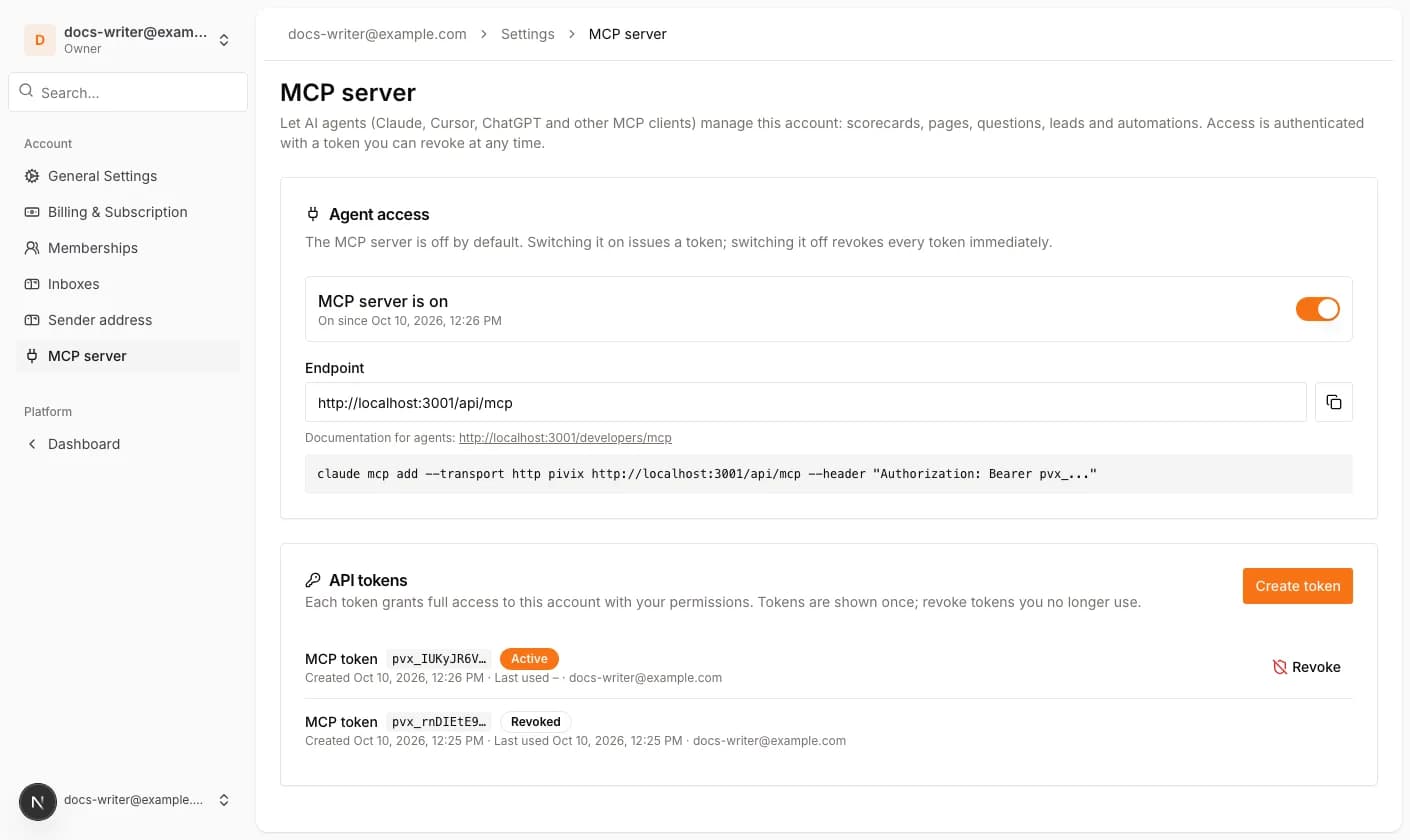
Tokens: create, revoke, switch off
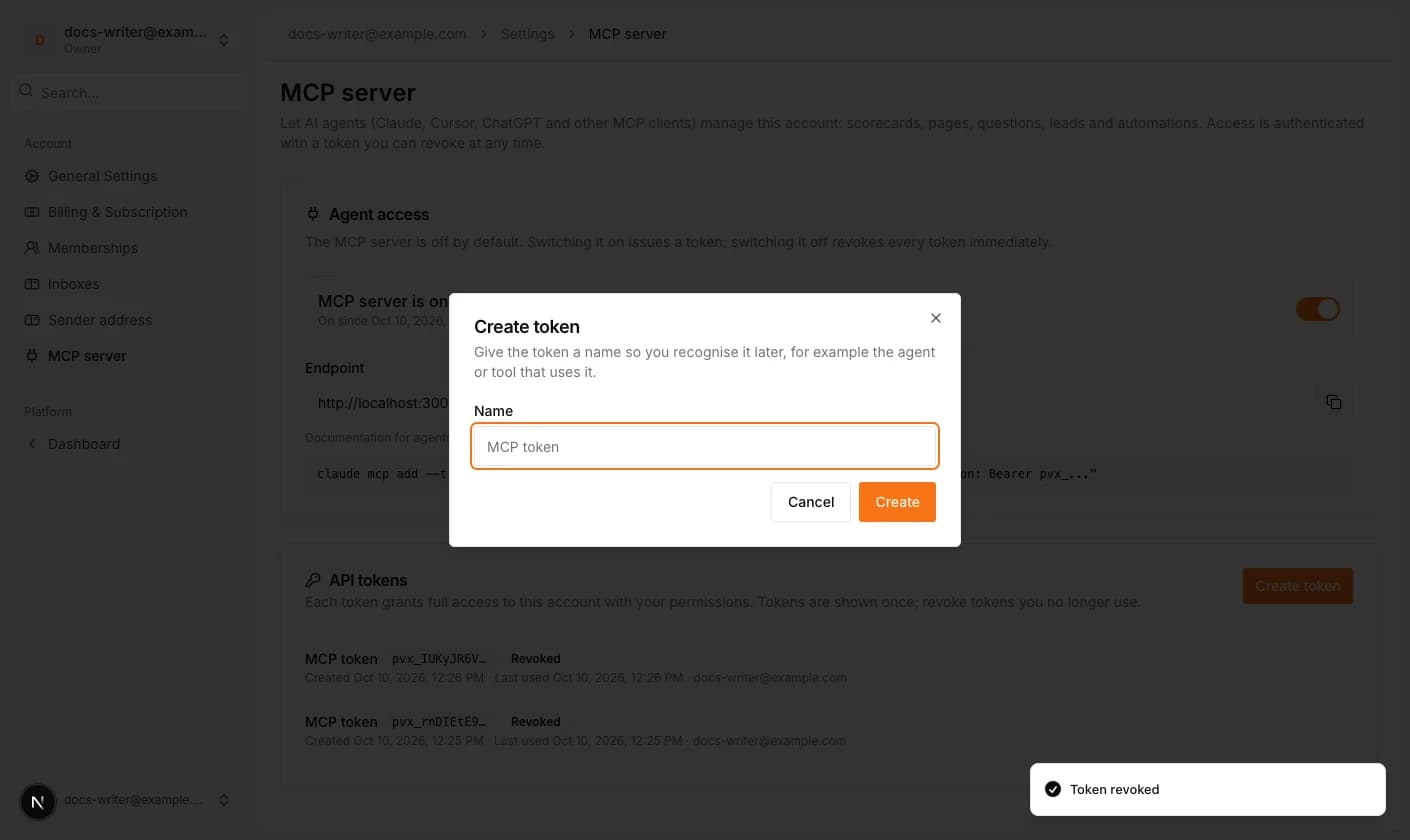
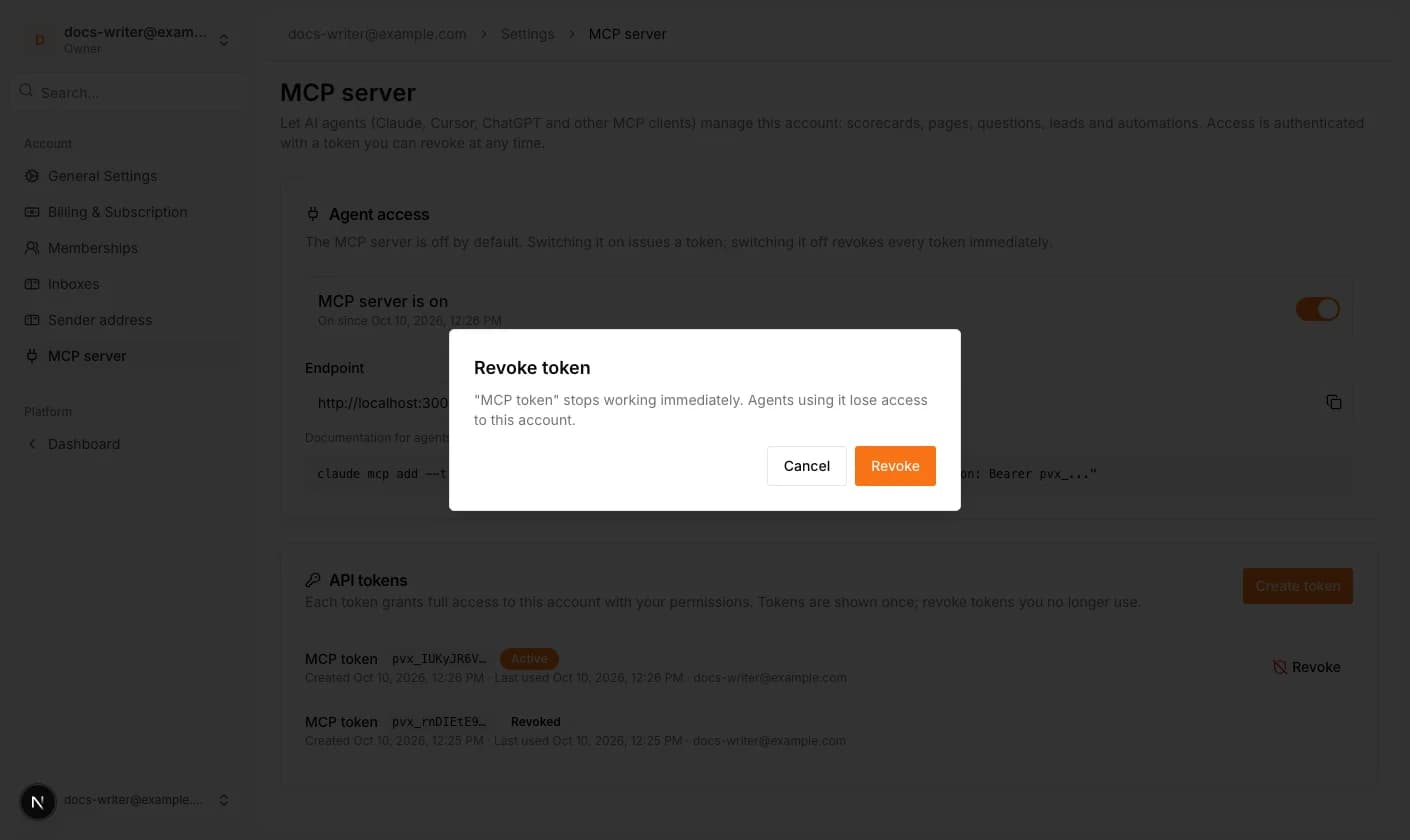
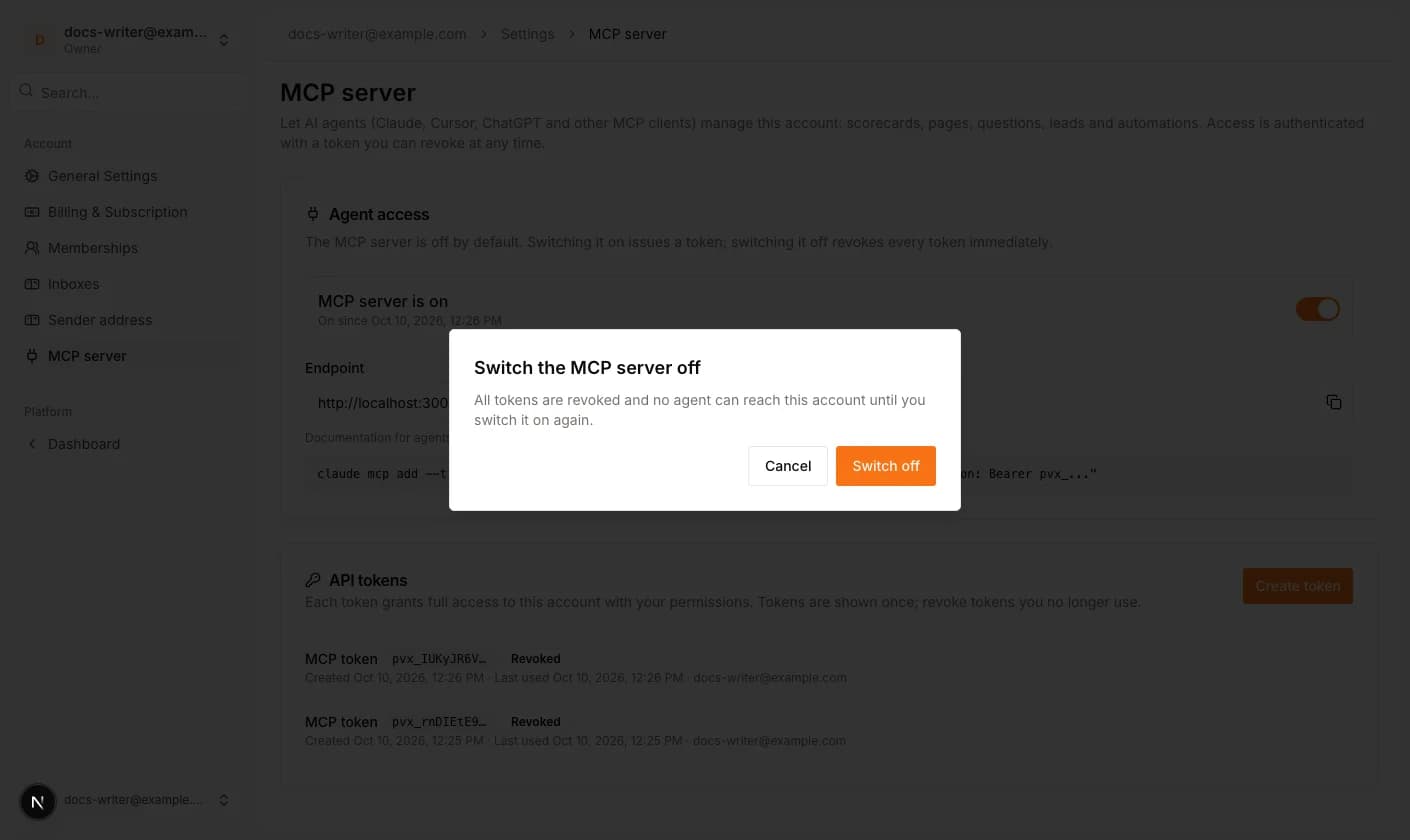
Create token adds another token, for example one per agent or tool, so you can revoke them separately. The list shows the name, the first characters of the token, when it was created and when it was last used. Revoke stops a token immediately; agents using it lose access at once. Switching the MCP server off revokes every token and closes the endpoint for this account until you switch it on again.
What agents cannot do
Agents only ever see this account. Publishing a scorecard and deleting one require an explicit confirmation flag in the call, so an agent has to ask you first. The last rating of a scorecard and the default lead fields cannot be deleted. Sender mailbox credentials, the account secret and other secrets are never returned. Members of the account cannot create tokens; a member who is removed from the account loses any token at the same moment.